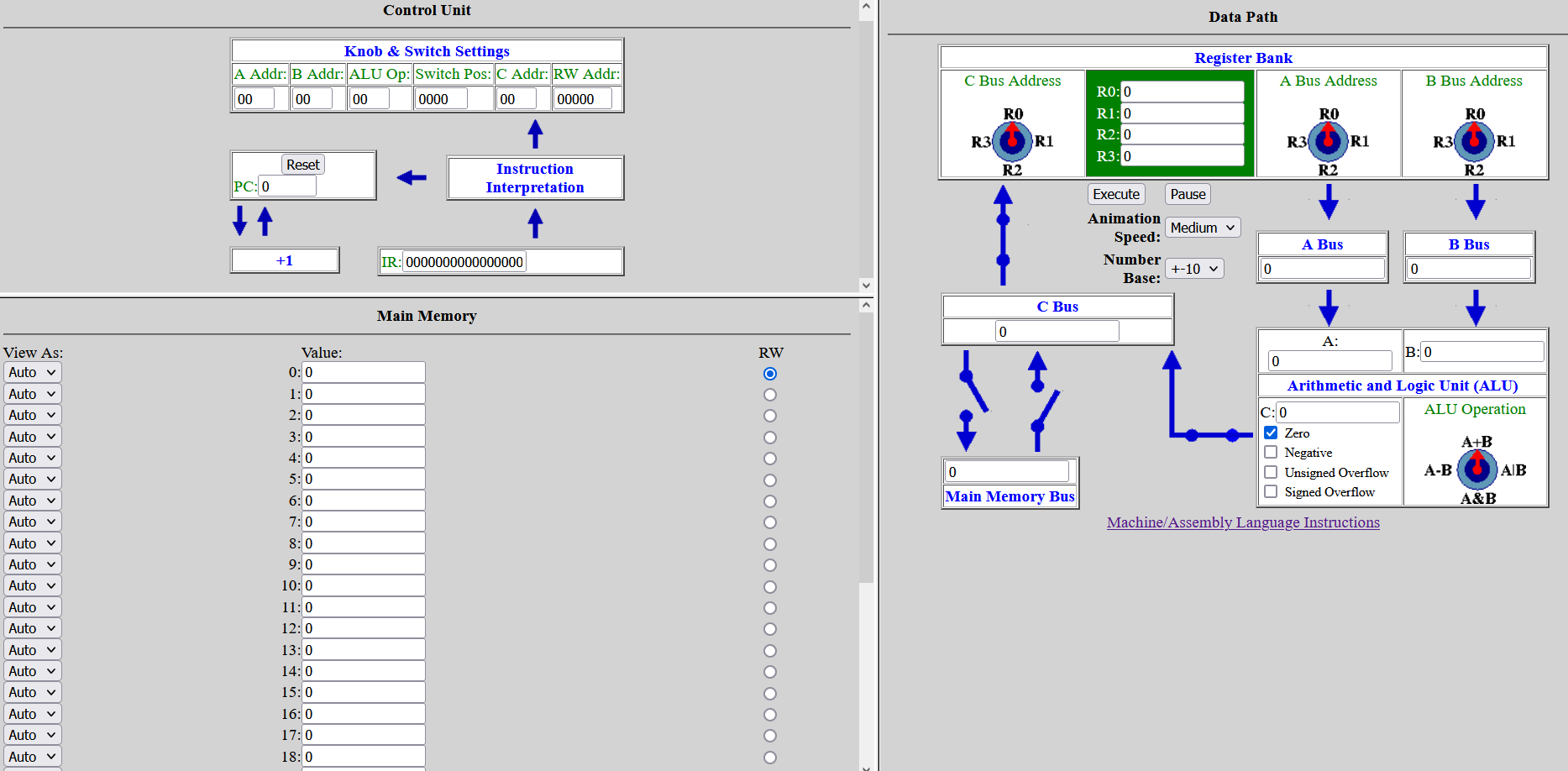
Open the Knob & Switch Machine Language Instruction Set in a new browser window. Open the Knob & Switch Machine Simulator in a second new browser window. Keep both Knob & Switch windows open in this section of the lab.
We’re going to use the simulator and instruction set to run the program outlined in the “Assembly Language” lecture segment.
This simulator has its own labeling system, and assembly language is machine-specific, so the instruction set will be needed.
The core tasks for this program:
Read memory location
14intoR0(the first register)Read memory location
15intoR1(the second register)Add the two register values and store in
R1(second register)Store the arithmetic operation output in memory location
13
Q1: How would we represent each of these tasks using this simulator's assembly code? HINT: Think through the underlying program logic and connect to examples in the instruction set.
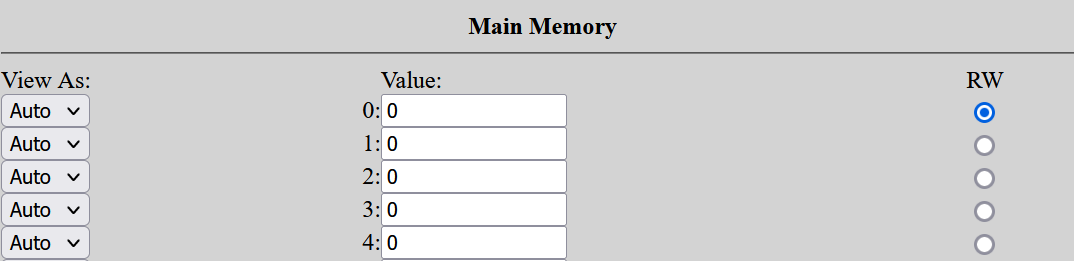
Let’s put each of these instructions in a main memory location.
Main memory location #0: Read memory location
14intoR0(the first register)Main memory location #1: Read memory location
15intoR1(the second register)Main memory location #2: Add the two register values and store in
R1(second register)Main memory location #3: Store the arithmetic operation output in memory location
13
Since our first two instructions involve reading values from memory, we’ll need to add values to main memory locations 14 and 15.
Value for
14:3Value for
15:14
We don’t need to make any other changes to the simulator (circuits, knobs, etc).
Q2: Based on these settings, what do you think will happen when you run this program? Use the fetch-execute cycle framework to describe what will happen in each iteration of the program.
Fetch-execute cycle:
Fetch instruction
Decode instruction
Get data (if needed)
Execute instruction
Q3: When will this program stop or end?
Q4: Test your prediction using the simulator. What parts of your hypothesis held true? What parts did not?
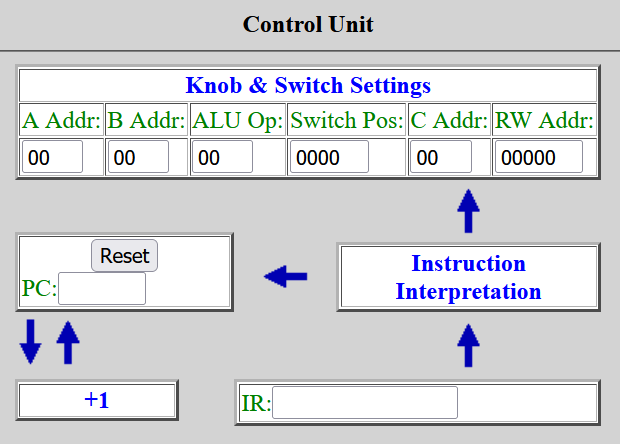
Q5: What can you tell about how the simulator's control unit is interpreting the assembly language instructions? NOTE: You do not need to map out the exact assembly-machine language translation. Describe in general how assembly language instructions are handled by the control unit.
Think about how many discrete instructions are part of this program. Since there are only four instructions, the simulator should only need 4 cycles to finish the program.
But you may have noticed the program is still running and the PC (program counter) value continues to increase.
Q6: What settings or values would we need to modify for the program to stop after executing the last instruction?
Q7: Test your prediction using the simulator. What parts of your hypothesis held true? What parts did not?