“The Jupyter Notebook is a web-based interactive computing platform that allows users to author data- and code-driven narratives that combine live code, equations, narrative text, visualizations, interactive dashboards and other media.” (Project Jupyter, Jupyter Notebook)
Lecture
 | Python & Jupyter Notebooks |
Getting Started With Jupyter Notebooks
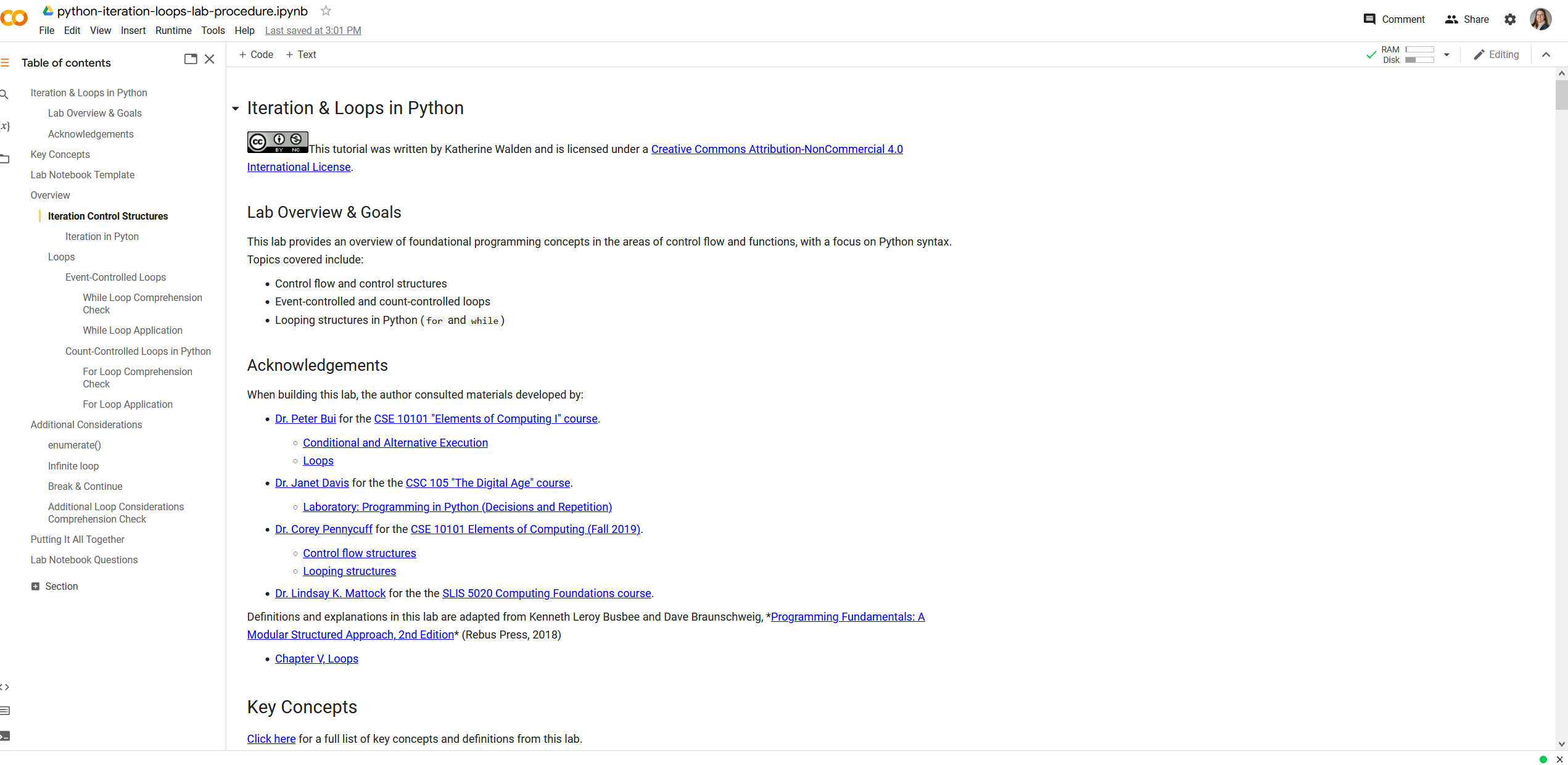
Navigate to the following link in a web browser. You’re looking at a Jupyter Notebook in the Google Colaboratory cloud-based IDE. And the content in this notebook may be familiar- it’s the instructional materials from one of our previous labs.
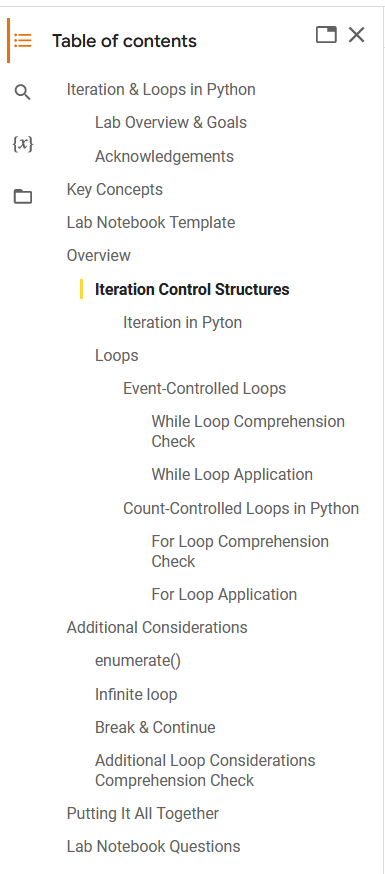
Scroll through the notebook, making use of the table of contents. Run some of the code cells and see what happens.
As the definition provided above highlights, Jupyter Notebooks are an authoring environment that lets you bring together narrative text, code, and output, all in a single document.
There’s a lot to love about notebooks as an authoring environment, and the notebook format (Jupyter Notebooks for Python, RMarkdown files for R/RStudio, etc) are increasingly becoming the norm in coding classes and data science workflows.
A few challenges or drawbacks:
Version control especially in collaborative environments is virtually impossible
Notebooks often lack the debugging tools and autocompletion features of other IDEs
Testing and debugging code is virtually impossible
Installing third-party packages or modules can be tricky
The notebook non-linear workflow for program development/documentation limits transparent reproducible code
In some cases, notebooks don’t play well with external big data applications (spark/dask/distributed)
Citation: Alexander Mueller, "5 reasons why jupyter notebooks suck", Towards Data Science (24 March 2018)
So when could you use Jupyter notebooks? Jupyter notebooks are fantastic tools for exploration. They also work well for documenting process, or in situations when you might need to alternate between code and other kinds of text (like say in a lab notebook).
Google Colab
There are a variety of Python IDEs that support Jupyter Notebooks- an increasingly popular one is Google’s web-based Colaboratory (“Colab”) tool.
“‘Colaboratory,’ or ‘CoLab’ for short, is a product from Google Research. Colab allows anybody to write and execute arbitrary python code through the browser, and is especially well suited to machine learning, data analysis and education. More technically, Colab is a hosted Jupyter notebook service that requires no setup to use, while providing free access to computing resources including GPUs.” (Google Colaboratory, “Frequently Asked Questions”)
For more on getting started in Google Colab:
“Welcome to Colaboratory” notebook from Google CoLab