Over the next few chapters, we’ll start exploring and experimenting with the BBC micro:bit.
Supplies
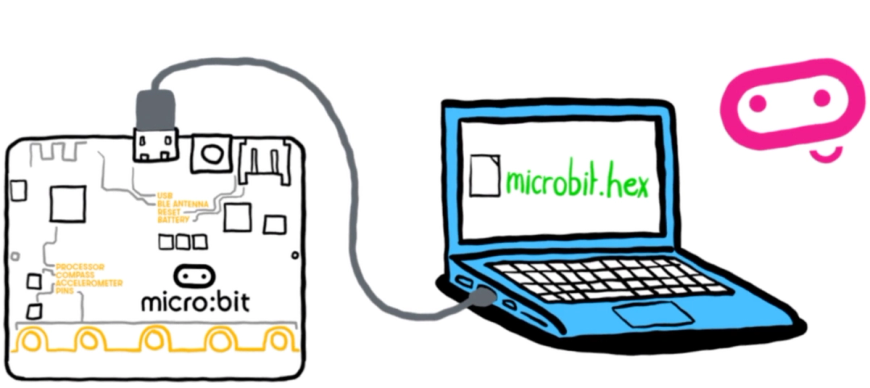
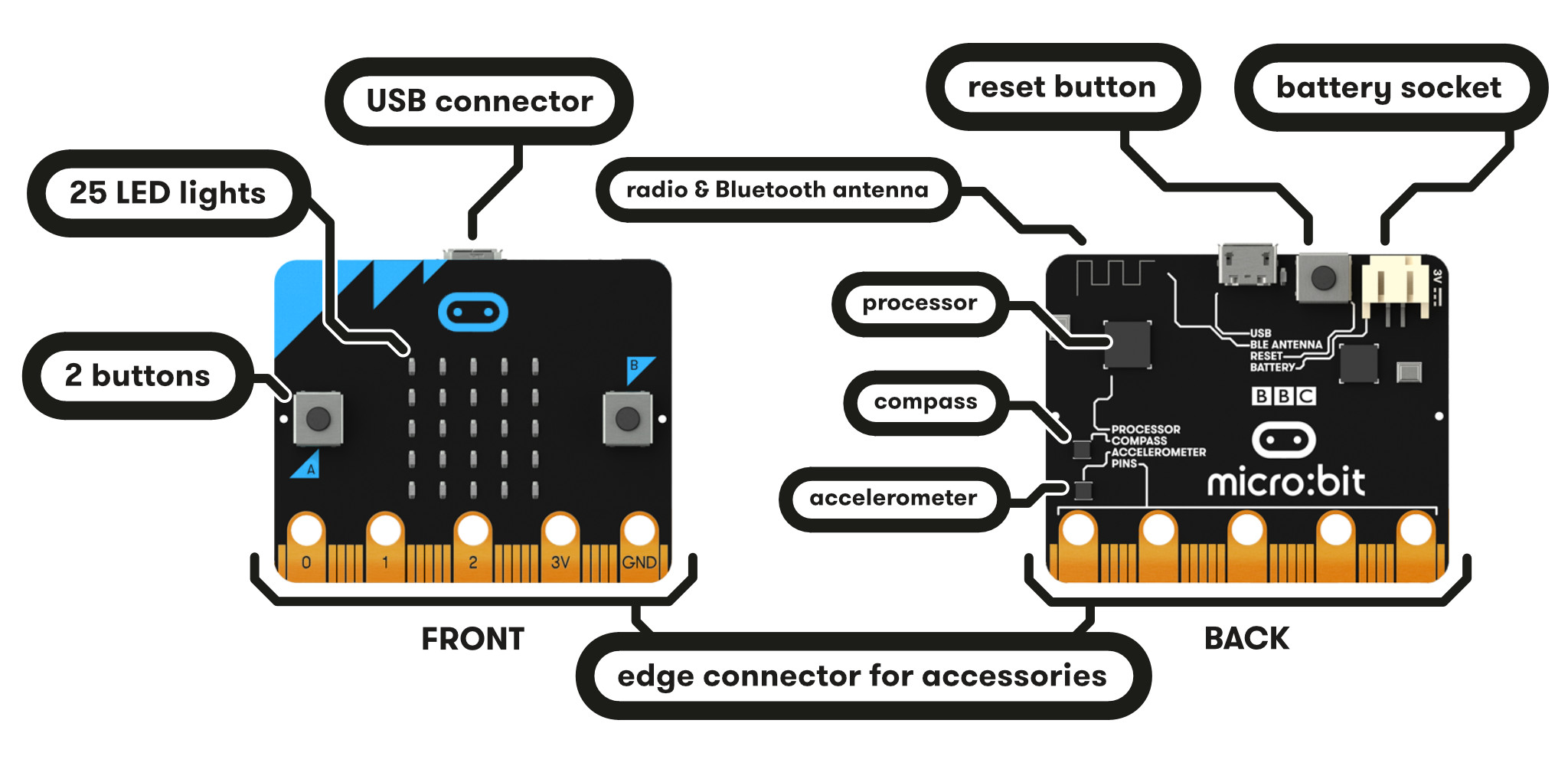
Eacn group needs at least one microbit and USB cable. The battery pack is optional.
Activity
Step #1: At least one person in the group should head to the MakeCode editor website and create a free account.
Step #2: The Getting Started guide provides an overview of how to write a program in the online MakeCode editor and send it to the microbit. But folks can also jump right in with the “New? Start Here!” tutorial.
A couple of notes:
There are a few different options for writing programs for the microbit. Eventually, we’ll explore writing these programs in Python. But for now, we’ll hang out in the land of pseudocode using the MakeCode blocks editor.
Since there’s no easy way to collaborate in real-time on a shared MakeCode project, group members can work individually but consult with colleagues as needed. The group should be sure to leave time to regroup and share/discuss individual experiences.
Step #3: Select one of the other tutorials to explore. Again, there are different ways folks can work individually and collaboratively. Gauge the level of complexity you want to take on based on how things have been going so far and where we are with time.
Step #4: If needed, download your microbit files (which will have a .HEX extension) and upload to a shared folder. You can also share project materials using a link.
Step #5: Spend a few minutes as a group discussing and reflecting on the experience. What challenges did your group encounter, and how did you solve them? Other comments or observations? What are folks potentially excited to make or explore with the microbit?