NOTE: The following screenshots show the Mac OS terminal/shell. Folks with other operating systems should still be able to follow the procedural steps.
To launch the terminal...
Mac:
By default, the shell is located in
Applications -> Utilities -> Terminal
Windows:
Run Git Bash from the directory that you installed it in. You will have to run it as an administrator - to do so, right click on the program and select ‘Run as Administrator.’
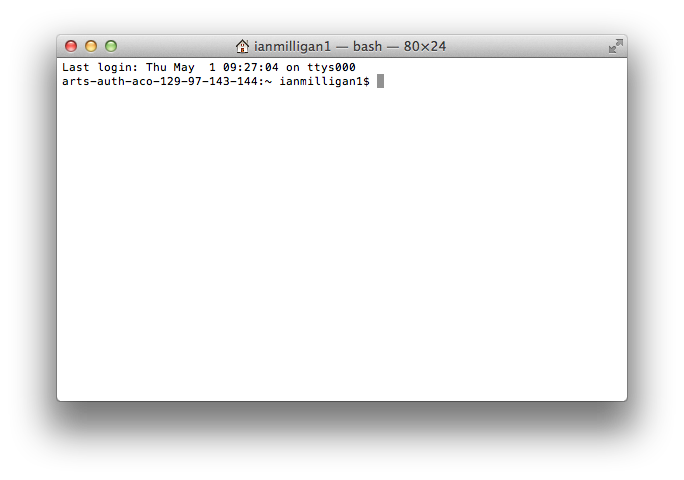
When the terminal or shell is running, you will see a window that looks similar to the image above.
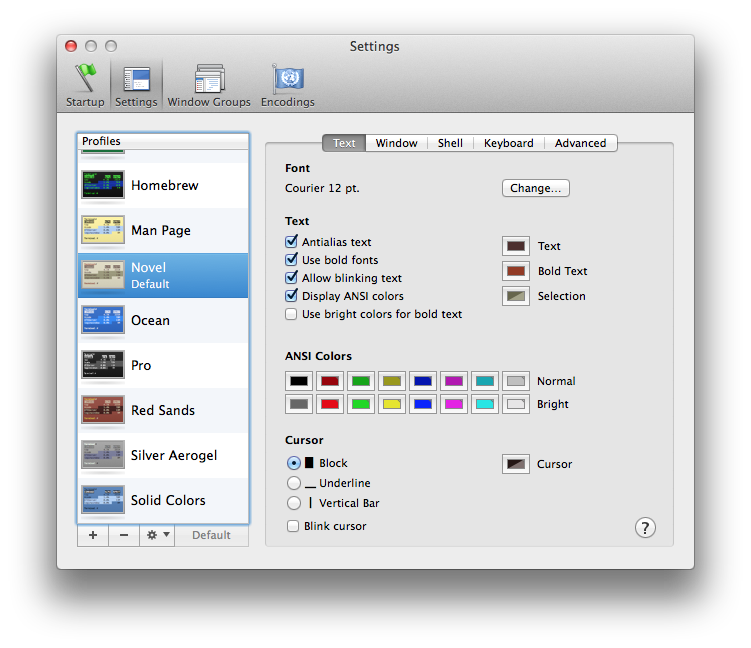
For Mac users who want to customize the terminal’s visual appearance:
Open the
Settingsmenu (inPreferences, underTerminal)Click the
Settingstab to change the color scheme
Windows users can right-click on the application’s top bar and select Properties to open the Properties tab.