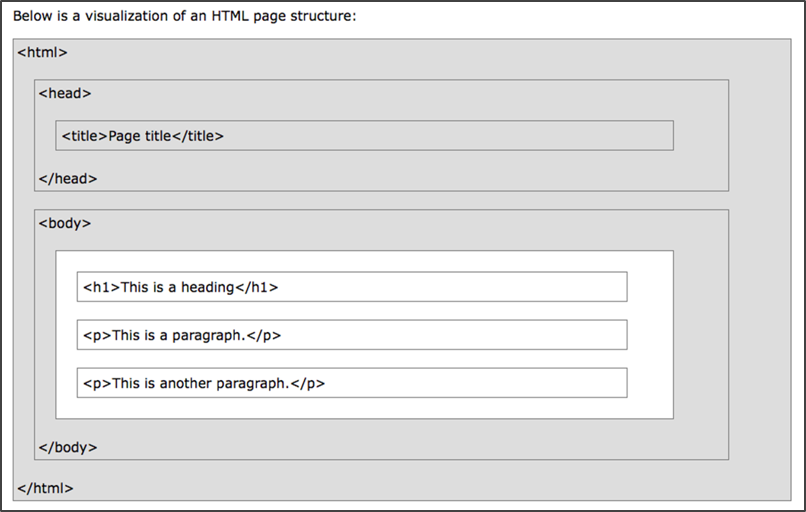
Now we can start adding content to the page.
Inside the <head> tags, you will see a <title> tag. The <head> section of an HTML document contains metadata, including the page title, which appears in the browser tab.
<head>
  <title>YOUR PAGE TITLE GOES HERE</title>
</head>
Replace YOUR PAGE TITLE GOES HERE with your desired page title. Then open the file in a web browser to see the updated title in the browser tab.
Next, let’s add content to the <body> section. The <body> contains the content that will display in the web browser. HTML provides many formatting tags — you can explore them on W3Schools “HTML Reference”.
For now, we’ll use <h1> for a main heading and <p> for a paragraph.
After the opening <body> tag, add a <h1> tag on a new line:
Note: HTML does not require indentation, but properly indenting your code helps keep it organized.
<body>
  <h1>Hello World!</h1>
</body>
Enter your content between the <h1> and </h1> tags. The <h1> tag formats text as a first-level heading.
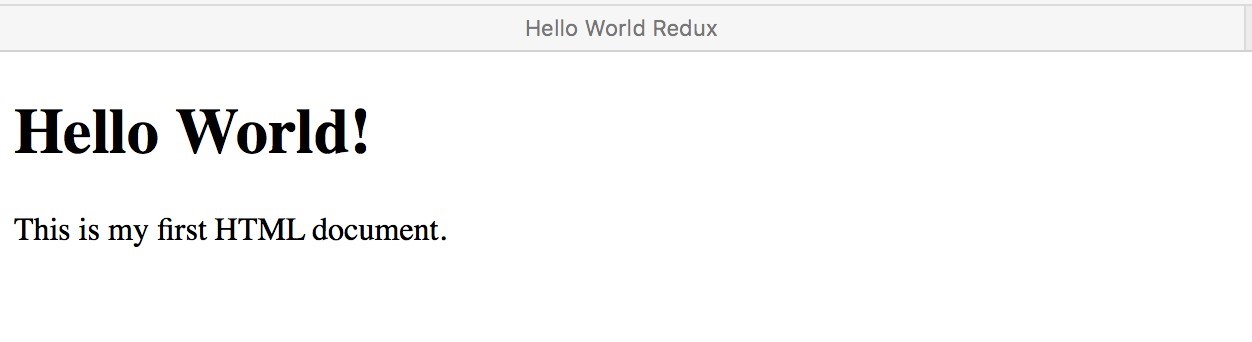
Next, add a paragraph using <p> tags:
<body>
  <h1>Hello World!</h1>
  <p>This is my first HTML document.</p>
</body>Why
index.html?
index.htmlis the default landing page for websites. Web servers automatically recognizeindex.htmlas the home page. Some servers use other variations likehome.html, but we will useindex.html.