
The Command Line Interface#
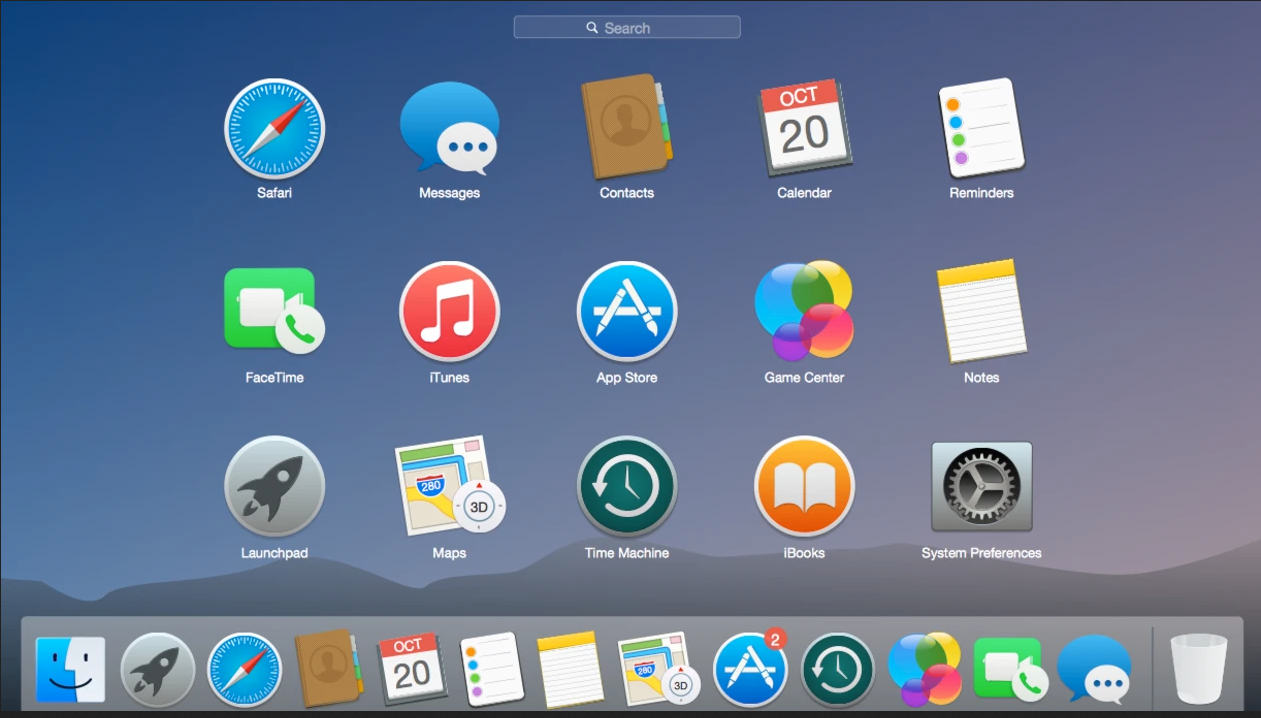
The usual way that computer users today interact with their system is through a Graphical-User Interface, or GUI (pronounced “gooey” or “G-U-I”). This means that when you go into a folder, you click on a picture of a file folder; when you run a program, you click on it; and when you browse the web, you use your mouse to interact with various elements on a webpage. Before the rise of GUIs as a central part of personal computer operating systems in the late 1980s, however, the primary way to interact with a computer was through a command-line interface (CLI).
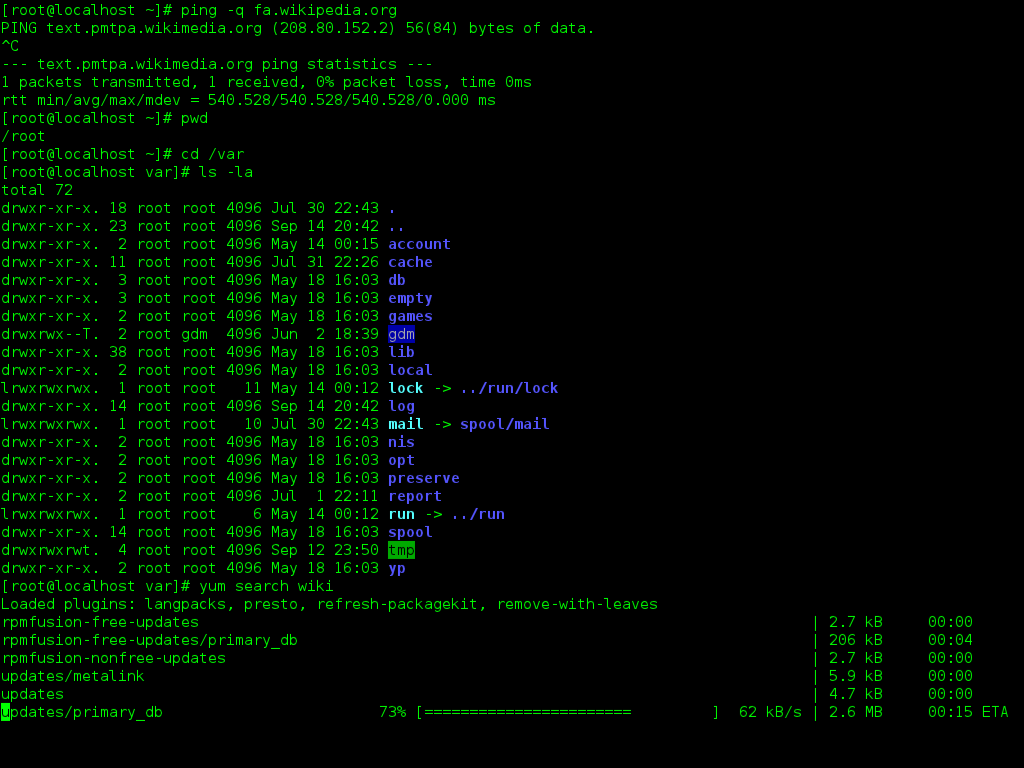
Command-line interfaces allow for more detail when running some programs, because you can add modifiers to specify exactly how you want your program to run. They can be easily automated through scripts, which are essentially recipes of text-based commands.
There are two main command-line interfaces, or “shells.” On Mac OS or many Linux installations, the shell is known as bash, or the ‘Bourne-again shell.’ For users on Windows-based systems, the command-line interface is by default MS-DOS-based, which uses different commands and syntax, but can often achieve similar tasks. This tutorial provides a basic introduction to the bash terminal, and Windows users can follow along by installing popular shells such as Cygwin or Git Bash.
Acknowledgements#
The sections of this chapter that involve working at the command line are based on and adapt content from the following tutorials:
Ian Milligan and James Baker, “Introduction to the Bash Command Line,” The Programming Historian 3 (2014), https://doi.org/10.46430/phen0037.
Miriam Posner, “Getting Started With Unix” tutorial
The Programming Historian is a multi-language, peer-reviewed online resource with "novice-friendly, peer-reviewed tutorials that help humanists learn a wide range of digital tools, techniques, and workflows to facilitate research and teaching" (The Programming Historian).
Setup#
For Mac users (and most Linux installations), you’re in luck — you already have a bash shell installed.
Windows users will need to take one extra step and install Git Bash.
Download the most recent ‘Full installer’ at this page
Instructions for installation are available at Open Hatch