
Microbit Activities#
So far, our microbit explorations have used the blocks editor, which hangs out at the level of pseudocode. But we can also use Python to work with the microbits, using the Python editor and Python tutorials.
Note
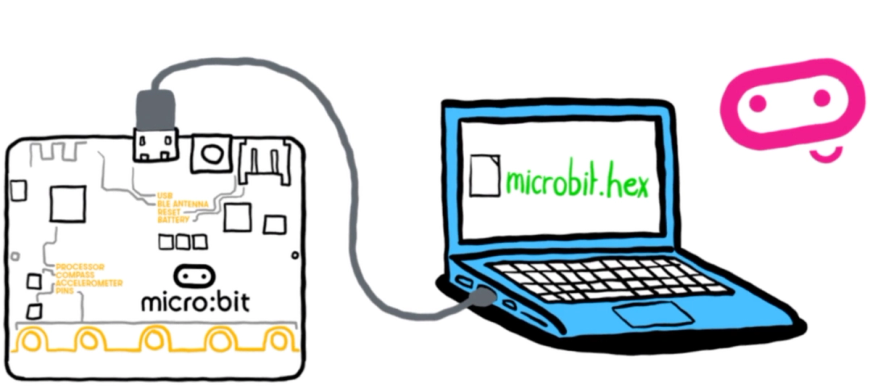
Unlike with the blocks editor, microbit’s Python editor does not include the option to make an account. Be sure to download the .hex file and/or .py script to save your work.
Resources
Online editor
Tutorials
Documentation
Supplies#
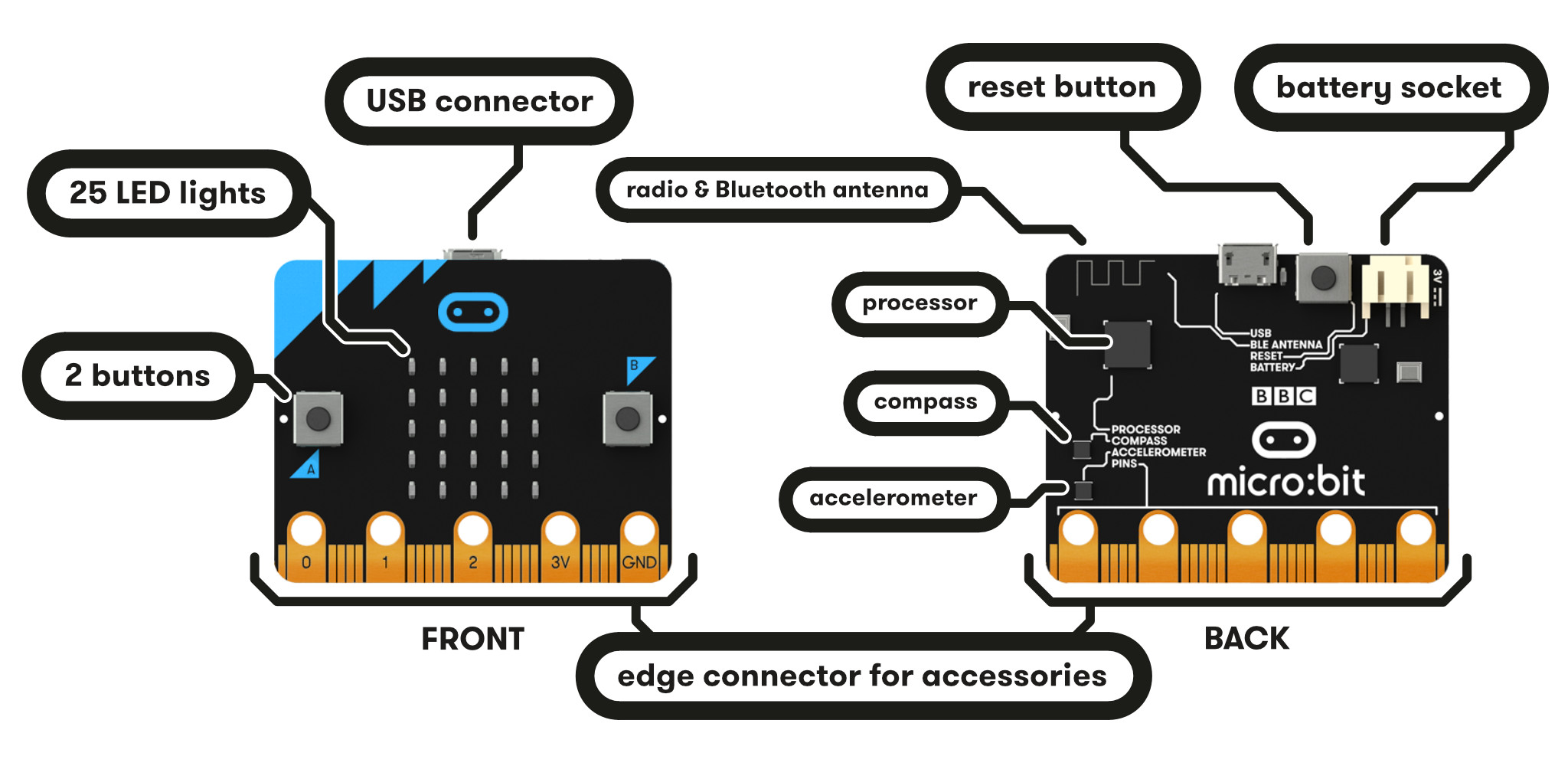
Eacn group needs at least one microbit and USB cable. The battery pack is optional.
Activity#
Step #1: Explore!
Select one of the Python tutorials to explore. When opening a tutorial, select the “Open in Python” option.
Or, take a microbit program from an earlier chapter and convert it to Python.
Step #2: Unlike with the blocks editor, microbit’s Python editor does not include the option to make an account. Be sure to download the .hex file and/or .py script to save your work.
Step #3: Spend a few minutes as a group discussing and reflecting on the experience. What challenges did your group encounter, and how did you solve them? Other comments or observations? What are folks potentially excited to make or explore with the microbit?